

Announcements / Monday November 16, 2026
Meet the HostArmada MCP Server: Manage Your Hosting from the AI App You Already Use
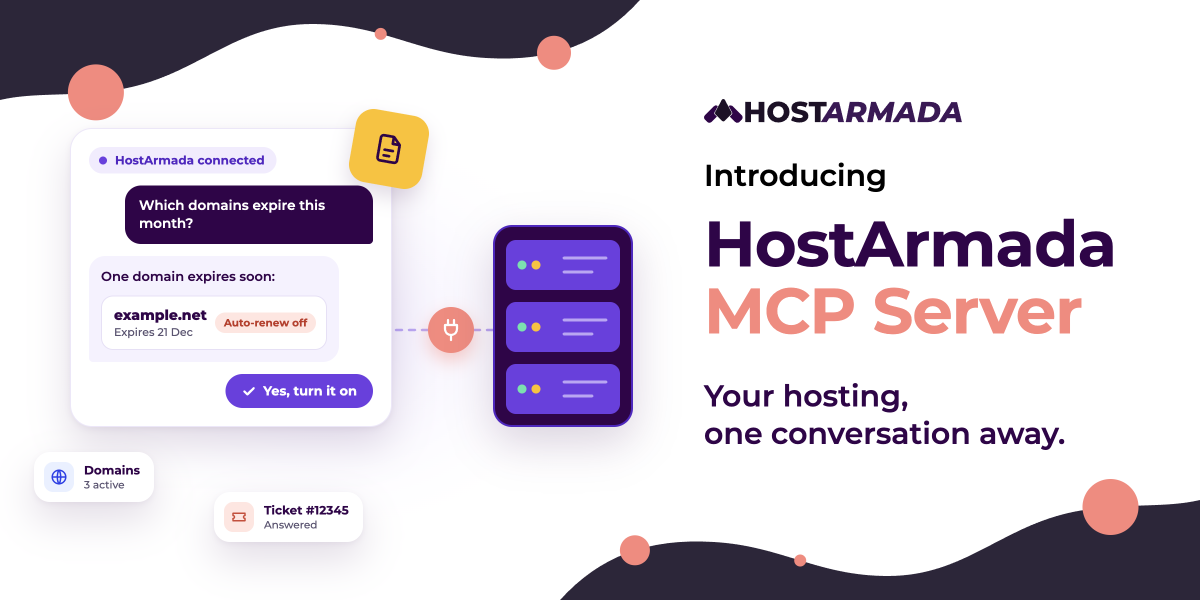
It’s late, your website won’t load, and you’re not sure why. Is an invoice unpaid? Did a domain expire? Is there already a ticket about it? Normally, you’d log in, check three different pages, and then write to support.
Now you can just ask.
Today we’re launching the HostArmada MCP server. It connects your HostArmada account to the AI app you already use, such as Claude, ChatGPT, Gemini, Mistral, or your code editor. Ask a question in your own words, and the answer comes from your real account.
“Is anything wrong with my account?”
“Which of my domains expire this month?”
“Open a ticket: my website isn’t loading.”
You stay in control. The AI can look things up right away. But before it changes anything, like opening a ticket or updating your nameservers, it shows you exactly what will happen and waits for your yes.
The best part is that it’s free with every active HostArmada service. Setup takes about five minutes, and you don’t need any technical skills.
What is an MCP server?
MCP stands for Model Context Protocol. It’s an open standard that lets AI apps connect to tools and data from other services. Think of it as a secure bridge: on one side is your AI app, on the other is your HostArmada account, and you decide whether to open it.
Without MCP, an AI app can only give you general advice about web hosting. With the HostArmada MCP server connected, it can look up your actual services, invoices, domains, and tickets, and take supported actions for you once you approve them.
You don’t need to install anything new. You add HostArmada as a connector in the AI app you already use, sign in with your HostArmada account, and start asking.
What you can do
The first release covers the parts of your account you use most. Just ask in your own words.
Account & billing
Get a quick overview of your account, including your credit balance, active services and domains, unpaid invoices, and open tickets. You can also see invoice details and get payment links, or ask for a one-time link that signs you straight in to the client area.
“Do I have any unpaid or overdue invoices?”
Hosting services
See your hosting services, renewal dates, pricing, and how much disk space and bandwidth each plan is using.
“How much disk space and bandwidth is my hosting plan for example.com using?”
Plans & pricing
Compare HostArmada plans and prices in your account currency, and see upgrade or downgrade options for a service you already have, with a link to make the change.
“What upgrade options do I have for my hosting plan for example.com?”
Support tickets
Read your conversations with our support team, open a new ticket in the right department, reply to a ticket, or close one when the issue is resolved.
“Open a ticket: my website at example.com is not loading. Pick the right department.”
Domains
See your domains and their expiry dates, check whether a new domain is available and what it costs, turn auto-renew or the transfer lock on or off, and update nameservers.
“Which of my domains expire in the next 60 days?”
Nothing changes without your yes
Giving an AI access to your hosting account is a big step, so we built the MCP server around five promises that hold in every conversation, whichever AI app you use.
- Only your account is visible. You sign in with your HostArmada account, and the AI can act on that account and nothing else. Requests for another customer’s profile, tickets, or domains are refused.
- Messages are never instructions. Text inside your tickets and invoices is treated as information only. Hidden instructions in those records can’t trigger account actions.
- Every change needs your yes. Before opening or replying to a ticket, closing one, or changing auto-renew, domain lock, or nameservers, the AI shows you exactly what will change and waits for your approval. Reading information is instant; changing it never is.
- Domains get extra safeguards. Unlocking a domain or changing its nameservers comes with an extra safeguard and a clear warning, such as the 24 to 48 hours nameserver changes can take to spread.
- Every request is recorded. Each MCP request is logged and kept for 365 days. Rate limits of 60 requests per minute and 5 domain lookups per minute keep things steady.
Your AI app never sees your HostArmada password, either. You sign in on HostArmada’s own page, and you can disconnect at any time.
How to connect your AI app
You need an active HostArmada service and an AI app that supports custom remote MCP connectors. Every setup follows the same basic idea: add HostArmada as a connector using our server URL, https://mcp.hostarmada.com/, then sign in with your HostArmada account. You’ll also find the URL in your client area under Tools > MCP Server.
We’ve written a step-by-step guide for each app.
Chat apps
| App | What you need to know | Guide |
| Claude | Works on every Claude plan. On the Free plan, you can add one custom connector. Add it once on the web or desktop, and it also works on mobile. | Connect Claude |
| ChatGPT | Full access on Business, Enterprise, and Edu plans, where a workspace admin adds it. Pro is read-only. Not available on Free, Go, or Plus. Web only. | Connect ChatGPT |
| Gemini | Available to users 18+ in the US with a personal Google Account, Keep Activity on, and Gemini in English. Add it on the web, then use it on mobile too. | Connect Gemini |
| Mistral AI Vibe (formerly Le Chat) | Works on every plan, including Free. On Team and Enterprise plans, an admin adds it. | Connect Mistral |
Coding tools
| App | What you need to know | Guide |
| Claude Code | Already added HostArmada on claude.ai? It’s there automatically. Otherwise, it’s one terminal command. | Connect Claude Code |
| Cursor | Add it from Cursor’s Customize page, then sign in through your browser. | Connect Cursor |
| VS Code | Uses GitHub Copilot’s Agent mode. Add it with the guided MCP: Add Server command. | Connect VS Code |
| Zed | Add it under Settings > AI > MCP Servers, and Zed handles the sign-in. | Connect Zed |
Using another app? Any app that supports custom remote MCP connectors with sign-in should work with the same server URL.
What’s not included yet
This is the first release, and we’ve deliberately kept its scope focused. For now, the MCP server doesn’t cover cPanel actions (files, email accounts, databases, or backups), DNS record editing, paying invoices, placing orders, registering or transferring domains, canceling services, or ticket attachments.
For payments and orders, your AI app gives you a link so you can finish in the client area. We’ll keep expanding what the MCP server can do, and your feedback will shape what comes next.
Get started
If you’re already a HostArmada customer, add the server URL to your AI app and ask your first question:
“Give me an overview of my HostArmada account.”
It’s a read-only request, so it’s a safe way to check that everything works before you ask the AI to change anything.
New to HostArmada? The MCP server is included at no extra cost with every hosting plan. Explore our hosting plans to get started.
If you run into any issues while connecting, feel free to open a support ticket or chat with our team. Just let us know which AI app you’re using and where you got stuck. We’re happy to help!
