

WordPress / Friday May 22, 2026
WordPress 7.0 “Armstrong” Is Here: What’s New?
WordPress 7.0 has officially landed, and this release brings a clear shift toward a more modern, flexible, and AI-ready WordPress experience.
Named “Armstrong” in honor of jazz legend Louis Armstrong, WordPress 7.0 introduces AI foundations, a refreshed dashboard, improved design controls, visual revisions, new blocks, performance improvements, and developer-focused updates.
For website owners, the main takeaway is simple: WordPress is becoming easier to manage, easier to customize, and better prepared for the next generation of web tools.
AI Foundations in WordPress Core
The biggest change in WordPress 7.0 is the introduction of AI foundations inside WordPress Core.
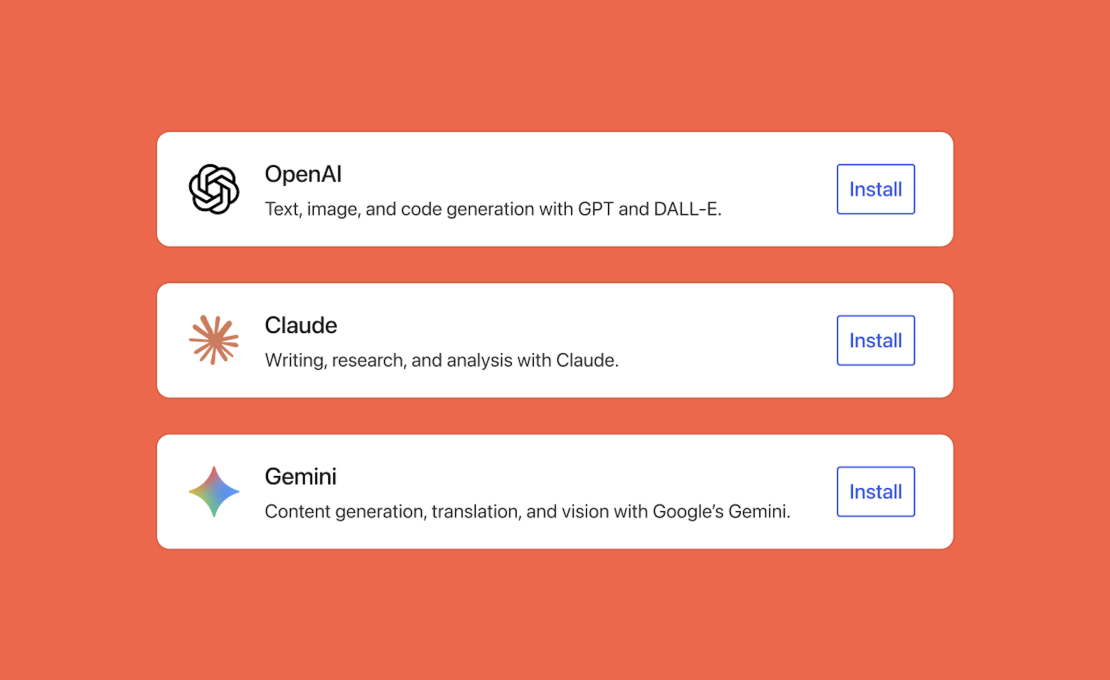
This does not mean WordPress will suddenly write your entire website for you. Instead, it gives developers and plugin creators a standardized way to connect WordPress with AI providers.
The new AI features include:
- A new AI Client in Core
- A central Connectors screen for managing AI provider connections
- Support for providers such as OpenAI, Google, and Anthropic
- AI-powered workflows through the Abilities API
- Optional AI plugin features for titles, excerpts, images, and alt text
You can read more in the official WordPress 7.0 Field Guide.
For site owners, this should eventually mean cleaner AI integrations, fewer scattered plugin settings, and more useful AI-powered tools inside the dashboard.
A Cleaner, More Modern Dashboard
WordPress 7.0 also refreshes the admin experience.
The dashboard now feels more polished, with a modern color scheme, smoother screen transitions, and cleaner interface elements. It is still familiar, but less dated.
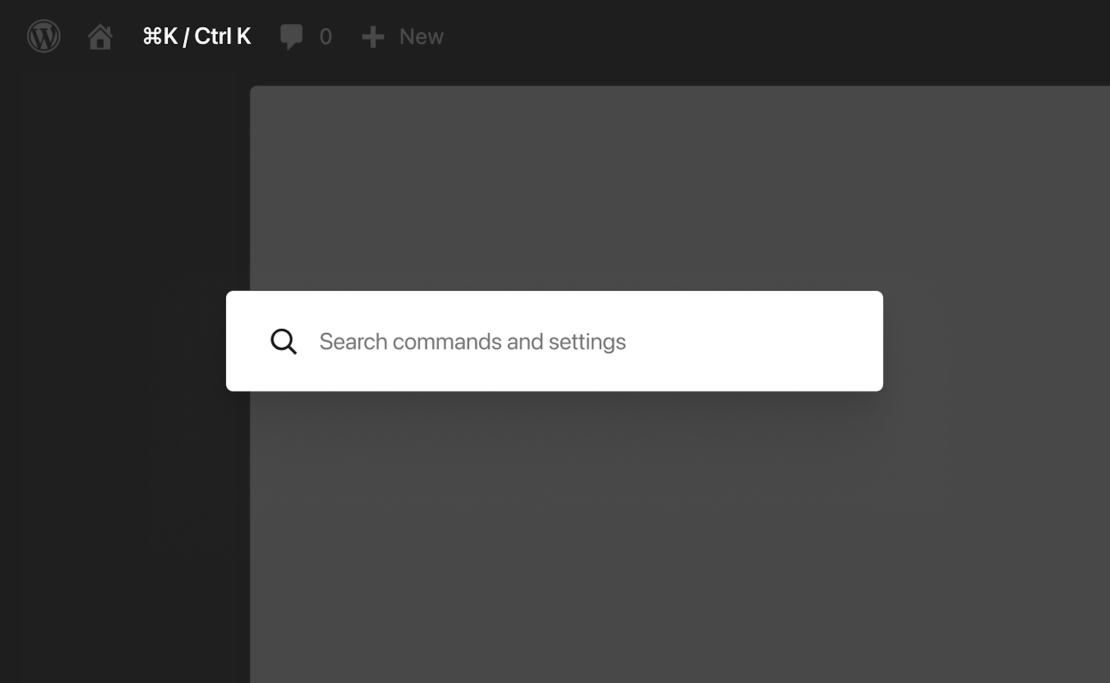
One handy improvement is the new Command Palette shortcut in the admin bar. With Ctrl+K (or command+K on Mac), users can quickly access tools and actions from anywhere in the dashboard.
The Font Library also gets better support, now working across block, hybrid, and classic themes. That makes it easier to manage fonts directly inside WordPress without extra workarounds.
Visual Revisions Make Editing Easier
Revisions have always been useful, but WordPress 7.0 makes them much easier to understand.
With Visual Revisions, you can move through previous versions of a post or page and see changes visually. Instead of guessing what changed, you can review edits more clearly and restore the right version faster.
This is especially useful for:
- Blogs with multiple editors
- Business websites with landing pages
- Agencies managing client content
- WooCommerce stores are updating product pages
For HostArmada users managing active WordPress sites, this is the kind of improvement that makes everyday editing safer and less stressful.
Better Design Tools and New Blocks
WordPress 7.0 gives creators more control over how pages look and behave. Some of the most useful design updates include:
- New Breadcrumbs block
- New Icons block
- Improved Heading block
- Gallery lightbox slideshow support
- Video background support in Cover blocks
- Custom CSS at the block level
- Better responsive controls
- Custom mobile navigation overlays
The official WordPress 7.0 feature showcase gives a good visual overview of these updates.
The new Breadcrumbs block is especially helpful for larger websites, blogs, and online stores, while the Icons block reduces the need for extra icon plugins in many simple layouts.
Better Mobile Control
WordPress 7.0 adds more responsive editing options, allowing users to show or hide blocks depending on the device.
That means you can create cleaner layouts for mobile visitors without changing the desktop version of the page.
For example, you can:
- Hide large sections on mobile
- Show a simpler call-to-action on phones
- Keep alternate layouts while testing
- Build more focused mobile experiences
This is a practical update for businesses that care about speed, clarity, and conversions on mobile devices.
Performance and Accessibility Improvements
WordPress 7.0 also includes behind-the-scenes improvements.
According to the official release materials, this version improves image loading prioritization, block stylesheet loading in classic themes, and script handling to help reduce render-blocking.
Accessibility also gets attention, with improvements across media management, voice control usability, editor interaction, and admin color contrast.
These may not be the flashiest updates, but they matter. A good WordPress site should not only look better; it should load well and remain usable for as many visitors as possible.
Important Developer Updates
Developers also get several important improvements in WordPress 7.0. Highlights include:
- PHP-only block registration
- Expanded Interactivity API updates
- DataViews and DataForms improvements
- Block Bindings API updates
- More extensible Site Editor routing
- New @wordpress/boot package
- Updates to external libraries
- Minimum PHP version now set to 7.4
The PHP requirement is worth checking before updating. If your website runs on an older PHP version, update your hosting environment first.
With HostArmada WordPress hosting, users can manage multiple PHP versions, access daily backups, and receive support for WordPress and plugin updates, as well as website optimization.
Should You Update Right Away?
WordPress 7.0 is available now, but major updates should always be handled carefully.
Before updating, make sure you:
- Create a full backup
- Update your plugins and theme
- Check your PHP version
- Test on staging if possible
- Review forms, checkout pages, menus, and key layouts after updating
This is especially important for business websites, WooCommerce stores, membership sites, and websites with custom functionality.
Final Thoughts
WordPress 7.0 “Armstrong” is a strong release focused on the future.
It brings AI foundations, a cleaner dashboard, better revisions, stronger design tools, improved mobile controls, performance updates, and useful developer improvements.
For everyday users, the biggest benefits are easier editing, better design flexibility, and a smoother admin experience. For developers, WordPress 7.0 opens the door to more advanced integrations and AI-powered workflows.
And as always, a major WordPress update is easier to handle when your website runs on reliable hosting. With HostArmada, WordPress users get a hosting environment built around speed, security, backups, and support, so updates like WordPress 7.0 feel less like a risk and more like progress.
